Introduction
Sending your artwork for printing is not as easy as it sounds.
You design something, export it and send it to the printer.
That is when a lot of problems can start.
Many people only realize something went wrong after the final print arrives.
By then it is too late.
You might get images, wrong colors or poor alignment.
All of these issues usually come from mistakes made before printing.
Artwork for printing is very important.
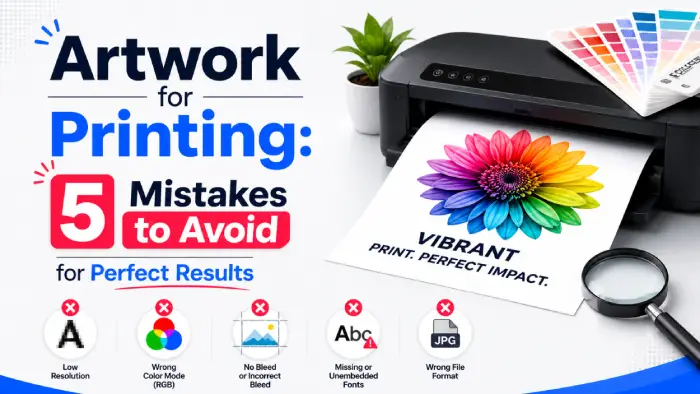
In this guide we will go over the mistakes to avoid when sending artwork for printing.
We will also tell you how to get it the first time.
Mistake #1: Using Low-Resolution Images for Printing
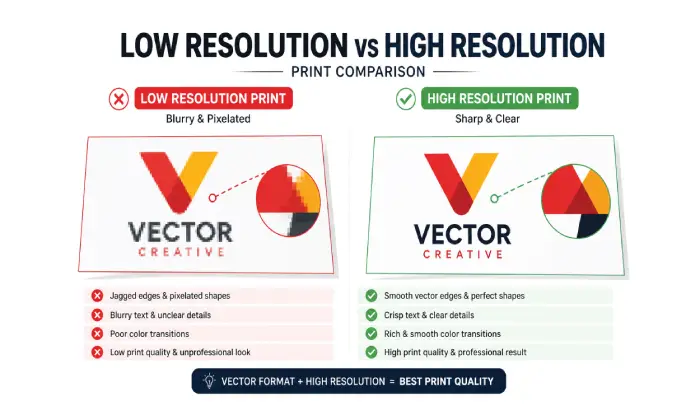
One of the common mistakes is using low-resolution files.
Artwork for printing needs high-resolution images.
Images that look fine on screen can look bad when printed.
That is because printing requires higher detail than digital screens.
If your image is resolution the final print will look blurry or pixelated.
Low-resolution graphics often lead to blurry, unprofessional prints.
You should always use high-resolution images for artwork for printing.
Mistake #2: Why Vector Files are Critical for Quality Artwork
If you are printing logos or graphics this is a big mistake.
Artwork for printing with logos or graphics needs vector files.
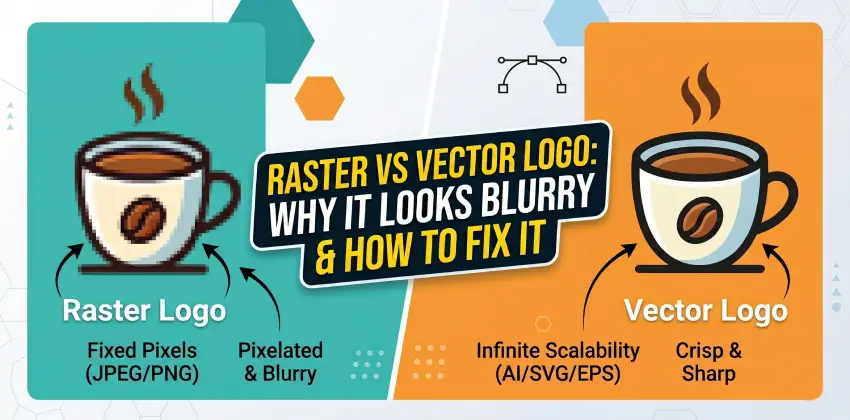
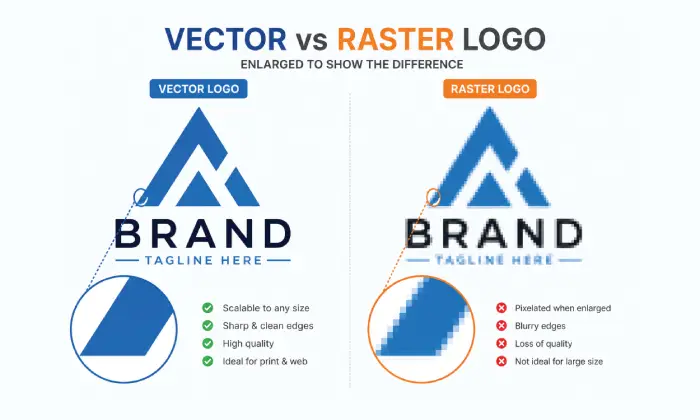
Raster files like JPG or PNG do not scale well.
When resized they lose quality. Become blurry.
Vector files on the hand stay sharp at any size.
That is why most printers prefer formats like AI, EPS or SVG.
Using vector formats ensures your logos remain crisp at any size.
Mistake #3: Ignoring CMYK Color Modes in Print-Ready Designs
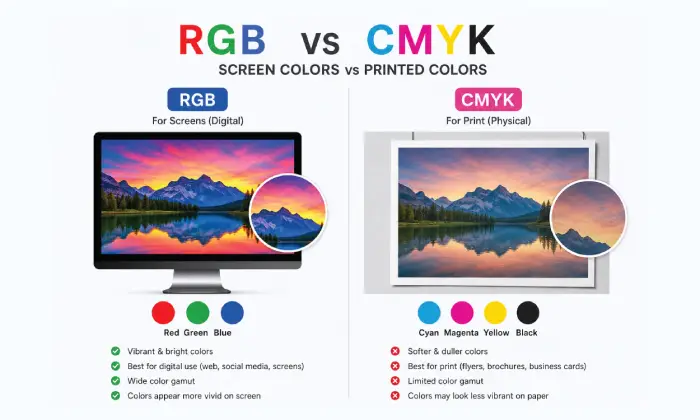
Designing in RGB and printing in CMYK can cause color shifts.
Artwork for printing needs to be in CMYK.
What you see on screen might not match the print.
Colors may look dull, darker or slightly different.
To avoid this always prepare your artwork in CMYK if it is meant for print.
Artwork for printing in CMYK is very important.
Mistake #4: Missing Bleed and Margins in Artwork for Printing
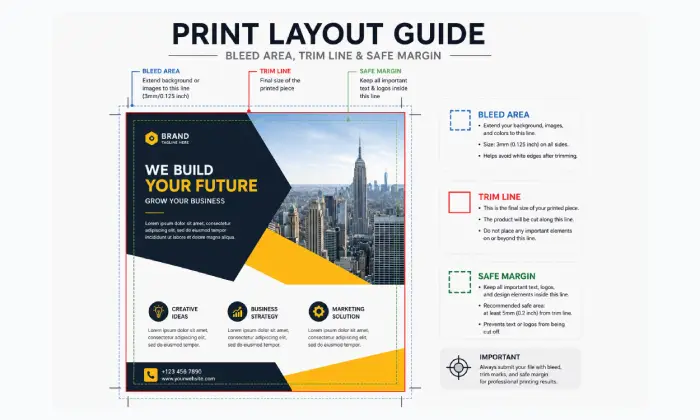
Another common issue is not setting up bleed correctly.
Artwork for printing needs margins.
Bleed is the space around your design that gets trimmed during printing.
Without it you may end up with edges where the cut is not perfect.
Margins are just as important.
They keep text and elements from being cut off.
Setting up your layout with these safety zones is critical for a clean finish.
Mistake #5: Final Steps Before Sending Your Artwork for Printing
Not all file formats are suitable for printing.
Artwork for printing needs the right file format.
Sending an unsupported file can cause problems.
Most printers prefer PDF, AI or EPS or high-resolution TIFF.
Sending the format ensures better results and fewer delays.
Artwork for printing with the file format is very important.
Why These Mistakes Matter
Each of these mistakes might seem small.
Together they can ruin the final result.
Printing is not about design.
It is about preparation.
Getting the details right makes all the difference.
Artwork for printing is very important.
You should always check your artwork before sending it for printing.
Quick Checklist Before Sending Artwork
Before you send your file make sure:
Your images are resolution
You are using vector files where needed
Color mode is set to CMYK
Bleed and margins are properly set
File format is print-ready
Artwork for printing needs to be checked carefully.
Final Thoughts
Most printing problems do not happen at the printing stage.
They happen before you even send the file.
Taking a few minutes to check your artwork can save you time, money and frustration.
Most importantly it ensures your final print looks exactly how you expect.
Proper file preparation is essential for professional results.
You should always check your artwork before sending it for printing.
Ready to Convert Your Images?
Get started with our professional vector conversion service today.
Get a Quote Now